






6 Compelling Reasons to Rethink Spreadsheets for Project Resource Planning
July 3, 2024
Simple habits that help protect our accounts, devices, money and personal information
A large part of everyday life now happens through connected devices. We message family, pay bills, book appointments, study, work and store photographs online. Each activity is useful, but each also involves information that deserves care. Cyber security is the everyday practice of keeping that information and the devices we rely on safer.
It is easy to think cyber security belongs only to technology specialists or large companies. In reality, ordinary decisions matter: whether we pause before opening a link, use a different password for important accounts, install an update, or check who can see a post. These small choices can reduce the chance that a mistake becomes a bigger problem.
Our online accounts often connect to one another. An email account may be used to reset a shopping password; a phone may hold banking alerts, work messages and personal photos. If one account is taken over, the effects can reach beyond that single service. Protecting the first point of access, especially email and the phone used for account recovery, helps protect many parts of daily life.
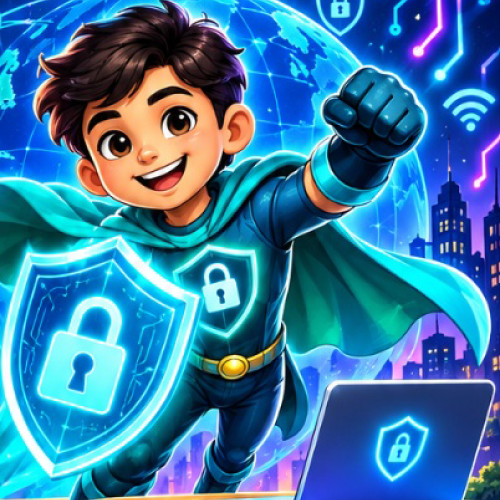
A cyber-safety hero can make protection approachable. |
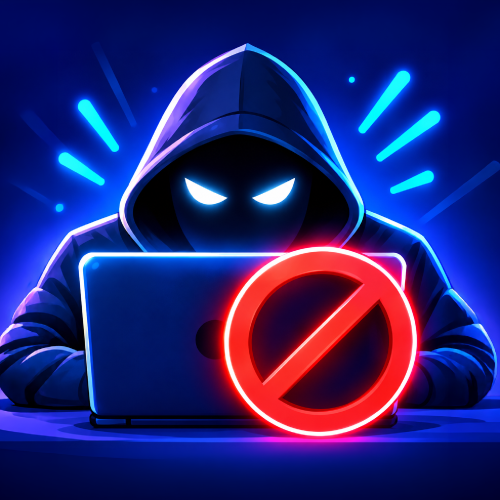
Stay alert to suspicious online activity. |
Many online scams rely on urgency or familiarity. A message may appear to come from a delivery service, a colleague or a relative and ask for an immediate click, payment or verification code. Taking a moment to check the sender through a separate, trusted route can prevent an avoidable loss of access, money or private information.
Before posting a photograph, location, school name, travel plan or work document, consider who could see it and whether it reveals more than intended. Review privacy settings from time to time. Share less by default, especially when you have not verified who is asking. A private detail can be pieced together with other public information, so thoughtful sharing is a useful layer of protection.
Good cyber security is not a single product or one complicated technical task. It is a set of repeatable habits that fit naturally into ordinary routines.
Treat unexpected requests for money, passwords, one-time codes or personal details with care, even when a message looks familiar. Check the full sender address, look for unusual wording or unexpected urgency, and visit a service by typing its known address or opening its official app. Do not use contact details supplied in a message you are trying to verify.
A long, unique password for each important account makes it harder for one exposed password to unlock several services. A reputable password manager can help create and remember them. Where available, turn on multi-factor authentication or a passkey. Never share a one-time code with someone who contacts you unexpectedly; a legitimate support request should not require you to disclose it.
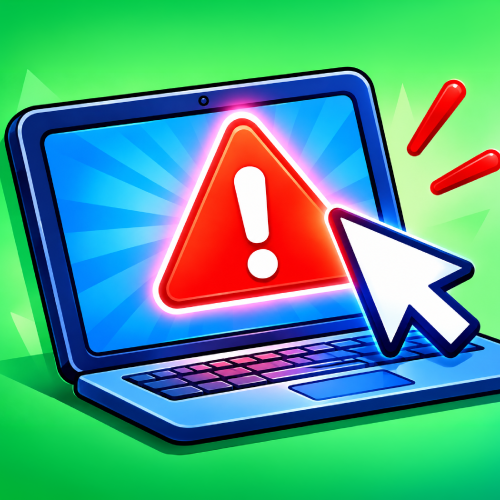
Pause and verify an unexpected link. |
Use strong, unique passwords for important accounts. |
f
Updates often repair weaknesses that attackers may try to exploit. Turn on automatic updates for your phone, computer, browser and commonly used apps when practical. Remove apps you no longer use, install software from trusted sources, and review the permissions an app requests. If an old device can no longer receive security updates, avoid using it for sensitive accounts where possible.
On public Wi-Fi, avoid sensitive transactions if you are unsure the network is genuine. Prefer your mobile connection for banking or account recovery, and make sure websites and apps use secure connections. Lock your screen when stepping away, and do not leave a phone or laptop unattended in a public place.
Our actions affect other people. A compromised account can send convincing scam messages to friends, expose shared files or interrupt a team. Cyber security therefore includes how we treat other people online and how we respond when something seems wrong.
Families can agree on simple rules: ask an adult before responding to a money request, do not share passwords, and tell someone when a message feels uncomfortable. At work, use approved storage and communication tools, limit access to people who need it, and check unexpected changes to payment instructions using a known contact method. These practices protect both individuals and the people connected to them.
If you suspect an account has been accessed, use the service’s official recovery process from a trusted device. Change the affected password and any reused passwords, sign out other sessions if the service allows it, and enable stronger sign-in protection. Contact your bank through its official number if financial information may be involved. Save relevant messages or transaction details, report the incident to the service, and tell affected contacts if your account may have sent messages in your name.

Keep personal details private. |

Treat others with kindness online. |
Cyber security is not about avoiding technology or expecting danger in every interaction. It is about using digital services with care: pause when a request feels urgent, protect the accounts that matter most, keep devices updated, and ask for help when something seems unusual. Practised consistently, these actions make online life more resilient for individuals, families and communities.


